Free LLMs vs. Visual Paradigm AI: Why Accuracy Matters in Enterprise Architecture Diagramming
Free LLMs (e.g., Open-Source Models, Generic AI Chatbots) vs. Visual Paradigm AI
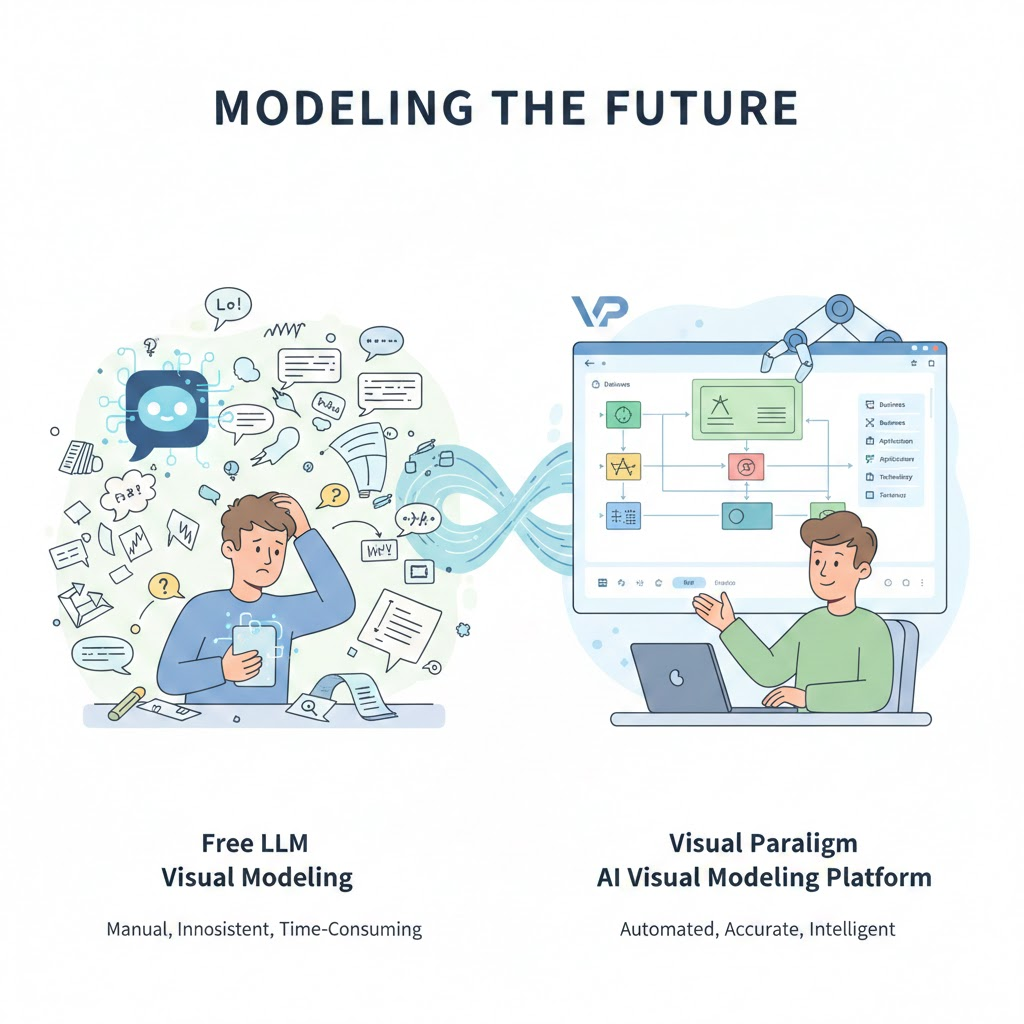
1. Free LLMs
What They Offer:
- General-Purpose AI: Can generate text, code, or even describe how to create diagrams based on prompts.
- Flexibility: Useful for brainstorming, drafting ideas, or generating pseudo-code.
- Accessibility: No cost and widely available.
Limitations:
- No Native Visual Modeling: Cannot directly generate visual diagrams like ArchiMate. Users must manually create diagrams using separate tools (e.g., draw.io, Lucidchart) based on the LLM’s textual output.
- Prone to Errors: Diagrams created from LLM-generated descriptions may contain , as LLMs lack built-in knowledge of ArchiMate standards. This can lead to .
- : Users must verify and correct every element, which is time-consuming and risks introducing human error.
- No Interactive Refinement: Any changes require manual updates to the diagram, making it difficult to keep the model accurate and up-to-date.
- : Free LLMs do not enforce ArchiMate rules, so diagrams may violate standards, leading to confusion or miscommunication among stakeholders.
Best For:
- Early-stage brainstorming or drafting ideas where visual accuracy is not critical.
- Teams with the expertise and time to manually validate and correct diagrams.
2. Visual Paradigm AI Visual Modeling Platform and Chatbot
What It Offers:
- Native ArchiMate Support: Generates standard-compliant ArchiMate diagrams directly from text prompts, ensuring correct notation, layers, and relationships.
- Accuracy: Automatically applies ArchiMate rules, minimizing errors and inconsistencies.
- Interactive Refinement: Allows real-time, conversational adjustments to diagrams (e.g., “Add a new application interface”), keeping the model dynamic and accurate.
- Developer-Friendly Outputs: Provides detailed, actionable views of the Application Layer, which directly inform software design and implementation.
- Model-Driven Development: Bridges the gap between architects and developers by providing a that accelerates development and reduces ambiguity.
Limitations:
- Cost: Requires a subscription or license, which may not be feasible for all teams.
- Learning Curve: Users need to understand ArchiMate and the platform’s features to fully leverage its capabilities.
Best For:
- Teams that need reliable, standardized, and dynamic ArchiMate diagrams for enterprise architecture, digital transformation, or strategic planning.
- Organizations that want to minimize errors, improve collaboration, and streamline the development lifecycle.
Key Differences Summary
| Feature | Free LLMs | Visual Paradigm AI Platform |
|---|---|---|
| Visual Modeling | No (text-only) | Yes (native, accurate diagrams) |
| ArchiMate Compliance | Manual (error-prone) | Automatic (standardized) |
| Error Risk | High (requires manual validation) | Low (built-in rules and validation) |
| Interactive Refinement | No | Yes (conversational updates) |
| Developer-Focused Outputs | Limited (text/code) | High (detailed, actionable views) |
| Integration with Workflows | Manual | Streamlined (directly usable in dev ops) |
| Cost | Free | Commercial (subscription/license) |
Why Errors Matter
Using free LLMs to generate diagrams can lead to:
- Miscommunication among stakeholders due to incorrect or inconsistent notation.
- Wasted time fixing errors and validating models.
- if diagrams do not accurately reflect the enterprise architecture.
Visual Paradigm AI mitigates these risks by automating compliance and ensuring accuracy, making it a more reliable choice for professional enterprise architecture.
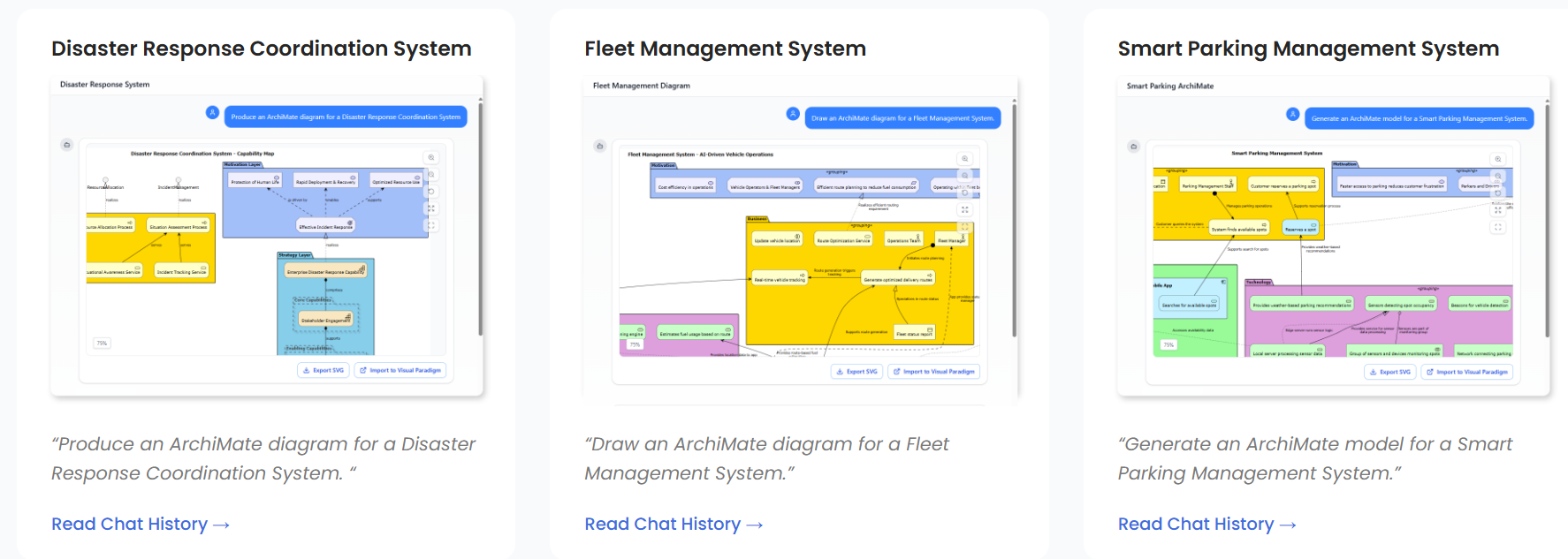
Question: Are you ? I can help tailor the comparison further based on your needs!