Refine Your Use Case Diagrams with AI: A Game-Changer for Systems Modeling
09 Dec
In the world of software and systems design, use case diagrams are one of the most effective ways to capture functional requirements early in the development cycle. Introduced as part of the Unified Modeling Language (UML), they provide a high-level view of how users (actors) interact with a system to achieve specific goals. Yet anyone who has built a real-world system knows the challenge: a simple, “happy-path” diagram quickly becomes incomplete once you factor in authentication, error handling, alternative flows, and reusable behaviors.
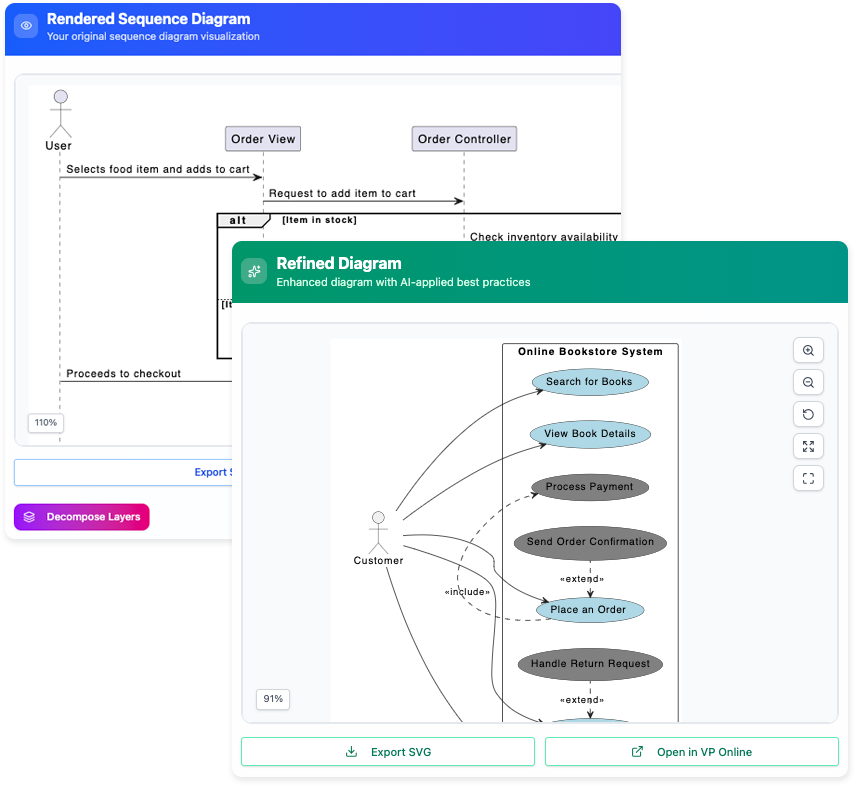
This is precisely where the AI Use Case Diagram Refinement Tool from Visual Paradigm shines. Launched as part of Visual Paradigm’s growing suite of AI-powered assistants, this tool takes your rudimentary use case diagrams (or even plain-text descriptions) and automatically enriches them with industry-standard <<include>> and <<extend>> relationships, turning basic sketches into precise, professional-grade models in minutes.
Why Traditional Use Case Diagramming Falls Short
Most teams start with a handful of use cases connected to actors. The diagram looks clean and understandable—until the reviewers ask the inevitable questions:
- “How does the user authenticate before performing any action?”
- “What happens when payment fails?”
- “Don’t several use cases require the same ‘Upload Document’ steps?”
Manually adding <<include>> relationships for shared behaviors and <<extend>> relationships for optional or exceptional flows is tedious and error-prone. It’s easy to miss scenarios, create circular dependencies, or violate UML best practices. The result? Diagrams that look good in presentations but crumble under implementation scrutiny.
How the AI Refinement Tool Solves the Problem
The AI Use Case Diagram Refinement Tool automates the hardest part of use case modeling: discovering and correctly applying generalization, inclusion, and extension relationships.
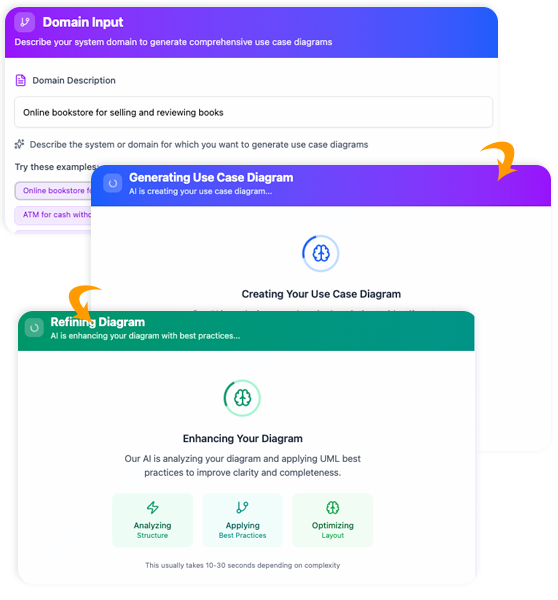
Here’s what the tool intelligently detects and refactors:
- Shared Functionality (<<include>>) When multiple use cases contain the same sub-flow—such as “Authenticate User,” “Log Audit Trail,” or “Validate Input”—the AI extracts that behavior into a separate included use case and wires it correctly with <<include>> arrows. The result is a DRY (Don’t Repeat Yourself) diagram that highlights reusable components.
- Optional, Conditional, or Exceptional Behavior (<<extend>>) Alternative flows like “Handle Card Declined,” “Resend Verification Email,” or “Apply Discount if Eligible” are perfect candidates for extension. The AI identifies these branches (either from your use case descriptions or from implied conditions) and attaches them with <<extend>> relationships, complete with proper extension points.
- Extension Point Management The tool doesn’t just draw arrows—it creates and names meaningful extension points (e.g., “After Payment Attempt,” “At User Registration”) so stakeholders instantly understand when and why the extended behavior triggers.
- Consistency with UML 2.5 Standards Every generated relationship follows official UML rules, preventing common mistakes such as extending an included use case in the wrong direction.
Step-by-Step: From Rough Sketch to Polished Diagram
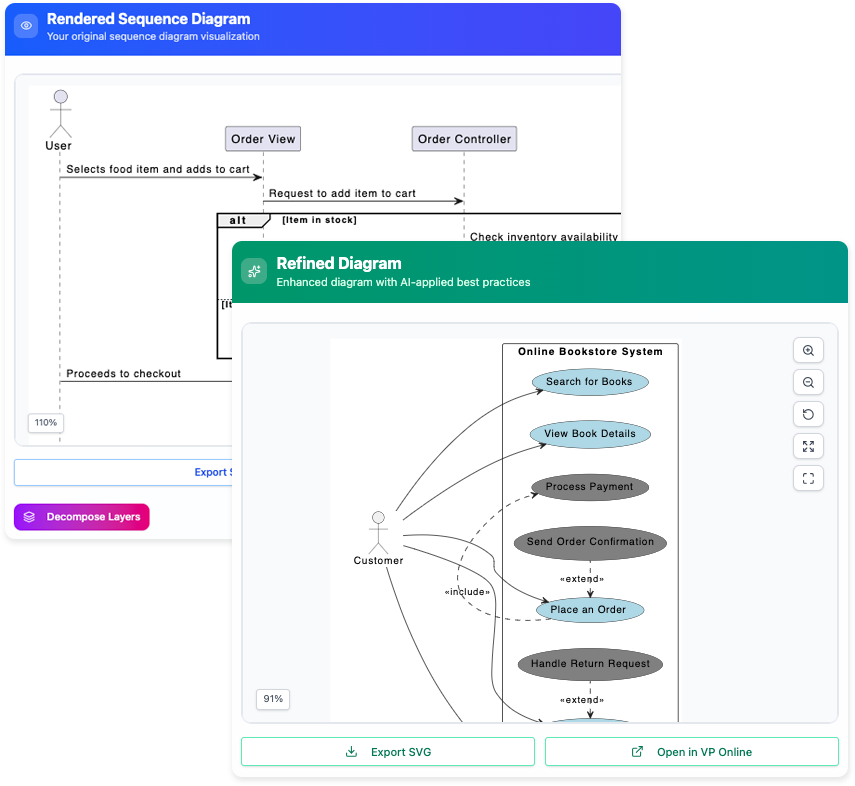
Using the tool inside Visual Paradigm is remarkably simple:
- Start the App From the main menu, choose Tools > Apps > Use Case Diagram Refinement Tool > Start Now.
- Feed It Your Initial Model Open your existing use case diagram or paste a textual description of your system’s functionality. Even a bullet list of use cases works.
- Let the AI Analyze The engine parses actor-use case interactions and scans any attached descriptions, notes, or scenario texts.
- Review Suggestions The tool presents a clear list of proposed refinements: new included use cases, new extending use cases, and suggested extension points. You can accept all, cherry-pick, or tweak them.
- Generate the Refined Diagram With one click, the diagram updates automatically—new ovals appear, arrows are drawn and labeled, and extension points are placed exactly where they belong.
The entire process that once took hours of manual tweaking now takes minutes.
Real-World Impact: Before vs. After
Before (typical beginner diagram for an ATM system):
- Actors: Customer
- Use Cases: Withdraw Cash, Check Balance, Transfer Funds
After AI refinement:
- New included use case: <<include>> Authenticate User (used by all three)
- New included use case: <<include>> Select Account
- New extending use cases:
- <<extend>> Handle Insufficient Funds (from Withdraw Cash)
- <<extend>> Print Receipt (optional after any transaction)
- <<extend>> Cancel Transaction (at any point)
The refined diagram instantly communicates complexity that was previously hidden, without sacrificing readability.
Key Benefits for Teams and Projects
- Dramatically reduced modeling time – what used to take half a day now takes under 15 minutes.
- Higher accuracy and standards compliance – fewer review cycles and rework.
- Better requirements coverage – hidden edge cases surface early.
- Improved communication – stakeholders see alternative and error paths clearly separated from the main success scenario.
- Great for both novices and experts – beginners learn correct UML patterns; seasoned architects focus on creative design rather than mechanical refactoring.
Who Should Use This Tool?
- Business analysts drafting initial requirements
- System architects preparing implementation blueprints
- Software engineering teams practicing UML-based development
- Students and educators teaching or learning use case modeling
- Agile teams who need quick, accurate diagrams for sprint planning
Try It Today
Visual Paradigm’s AI Use Case Diagram Refinement Tool is available right now inside Visual Paradigm Online and the desktop edition (version 17.2 and above). Simply navigate to the Apps gallery and launch it—no additional installation required.
URL: https://www.visual-paradigm.com/features/ai-use-case-diagram-refinement-tool/
In an industry that increasingly relies on AI to accelerate and improve quality, this tool represents a significant leap forward in requirements engineering. It doesn’t replace the analyst’s expertise—it amplifies it, letting you spend less time on syntax and more time solving the real problems your system needs to address.
Give your use case diagrams the precision they deserve. Let AI handle the heavy lifting of refinement, and watch your models transform from rough outlines into robust, implementation-ready blueprints.